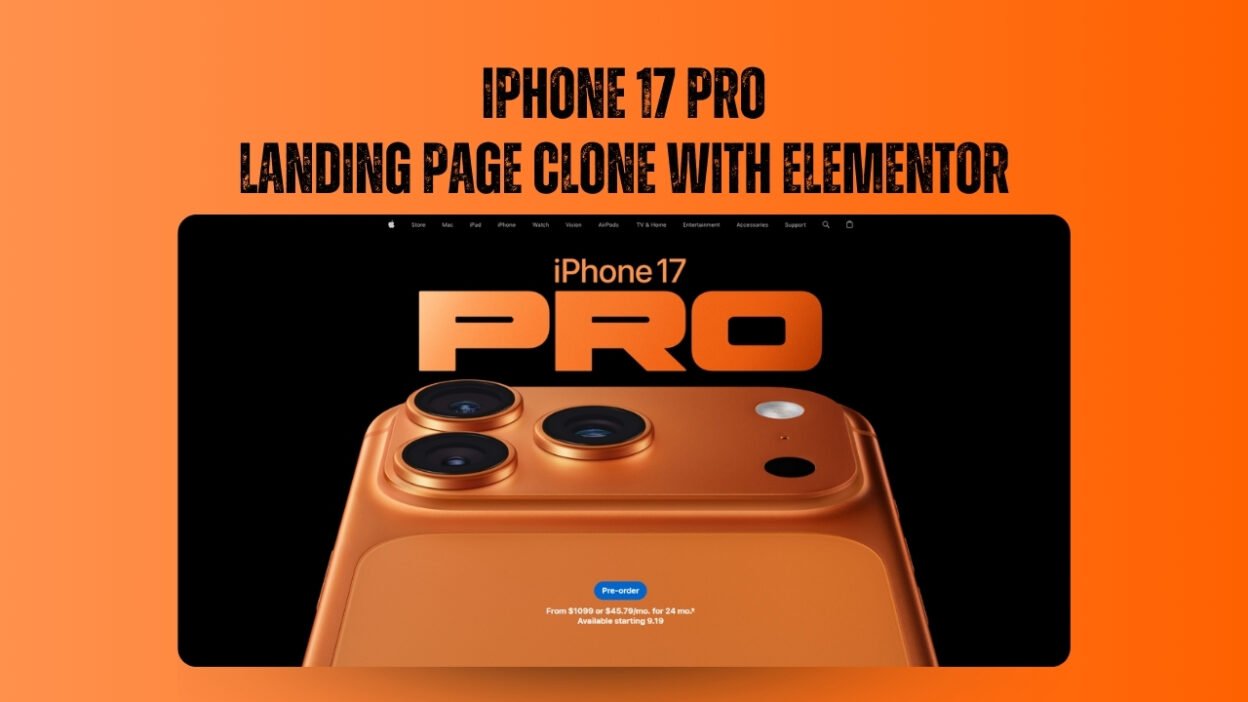
Apple’s product pages are the gold standard of modern web design—sleek, immersive, and irresistibly polished. In this step-by-step tutorial, I show you how to recreate the stunning iPhone 17 Pro landing page using WordPress and Elementor, bringing Apple-grade aesthetics to your own projects.
Whether you’re a freelancer, agency owner, or design enthusiast, this guide will help you master the techniques behind premium landing page design—without writing a single line of code.
🎯 What You’ll Learn
1. Hero Section with Background Video
We start by replicating Apple’s iconic hero section, complete with smooth background video transitions. This effect adds depth and motion, instantly elevating your site’s visual appeal.
2. Advanced Elementor Layouts
Using Elementor’s new container system, we build layered sections with precise spacing, overlays, and motion effects. You’ll learn how to:
- Use flexbox for responsive alignment
- Apply entrance animations for dynamic storytelling
- Create full-width immersive visuals
3. Mobile-First Design
Apple’s pages are flawless across devices—and yours will be too. I walk through mobile optimization techniques to ensure your layout adapts perfectly to any screen size.
4. Typography & Visual Polish
From font pairing to subtle shadows, we fine-tune every detail to match Apple’s minimalist elegance. You’ll discover how to:
- Choose clean, readable fonts
- Balance whitespace and content density
- Use color and contrast for visual hierarchy
💡 Why This Tutorial Matters
Apple’s design language isn’t just beautiful—it’s strategic. By learning to clone their layout, you gain insight into:
- User engagement psychology
- Brand storytelling through design
- Conversion-focused layout principles
This tutorial is perfect for:
- Freelancers looking to impress clients
- Agencies building high-end landing pages
- Creators wanting to showcase products with style
🔗 Watch the Full Tutorial
You can watch the full video on YouTube. It’s packed with actionable tips and real-time walkthroughs to help you build your own Apple-inspired masterpiece.
CSS codes i used in this video
CSS for hero Section :
selector video {
object-fit: contain !important;
width: 1493px !important;
height: 100%;
position: absolute;
top: 50;
left: 50;
margin-bottom: -3px !important;
}
selector {
background-color: black !important;
background-size: 1400px !important;
background-repeat: no-repeat !important;
}
Css for sliders
selector video {
object-fit: contain !important;
width: 100% !important;
height: 100%;
position: absolute;
top: 50;
left: 50;
}
selector {
background-color: black !important;
background-size: contain !important;
background-repeat: no-repeat !important;
}
CSS for Glassmorphism Button
selector .elementor-button-icon {
background-color: #0071e3;
padding: 7px 6px;
border-radius: 100px
}
/* Align icon and text vertically / .elementor-button-content-wrapper { display: flex; align-items: center; justify-content: center; gap: 8px; / Adjust spacing between icon and text */
}
/* Optional: fine-tune icon size */
.elementor-button-icon svg {
width: 16px;
height: 16px;
vertical-align: middle;
}
/* Optional: remove extra space around text */
.elementor-button-text {
margin: 0;
padding: 0;
}
.glass-card {
backdrop-filter: blur(12px) saturate(180%);
-webkit-backdrop-filter: blur(22px) saturate(180%);
background-color: rgba(34, 34, 34, 0.35);
border-radius: 100px;
border: 1px solid #19191a;
}
Before you import the elemetor template make sure you upload the assets and fonts, and then import the template file.
Ready to build your own premium landing page? Dive into the tutorial and start designing like Apple—only with WordPress and Elementor.
If you’d like help turning this into a downloadable lead magnet or SEO-optimized blog post, I can assist with that too.